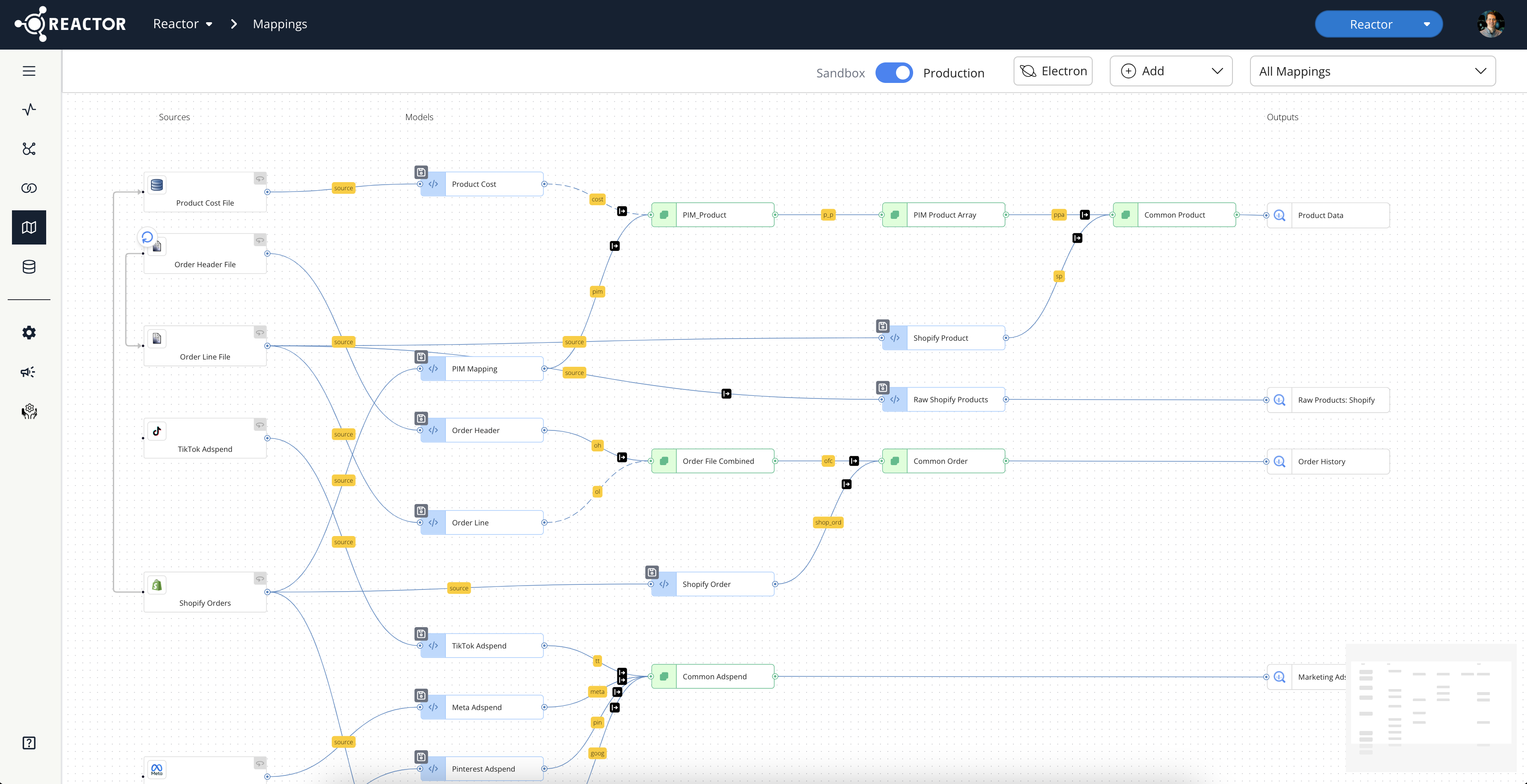
Navigating Reactor
Getting Started · Updated July 1, 2025
Introduction
This document provides a comprehensive guide to navigating the Reactor platform. It outlines the primary methods for accessing Reactor and details the key screens and functionalities within the platform. This guide provides clear instructions to help users efficiently locate and use the tools needed for data management.
Accessing Reactor
To access the Reactor platform, users must:
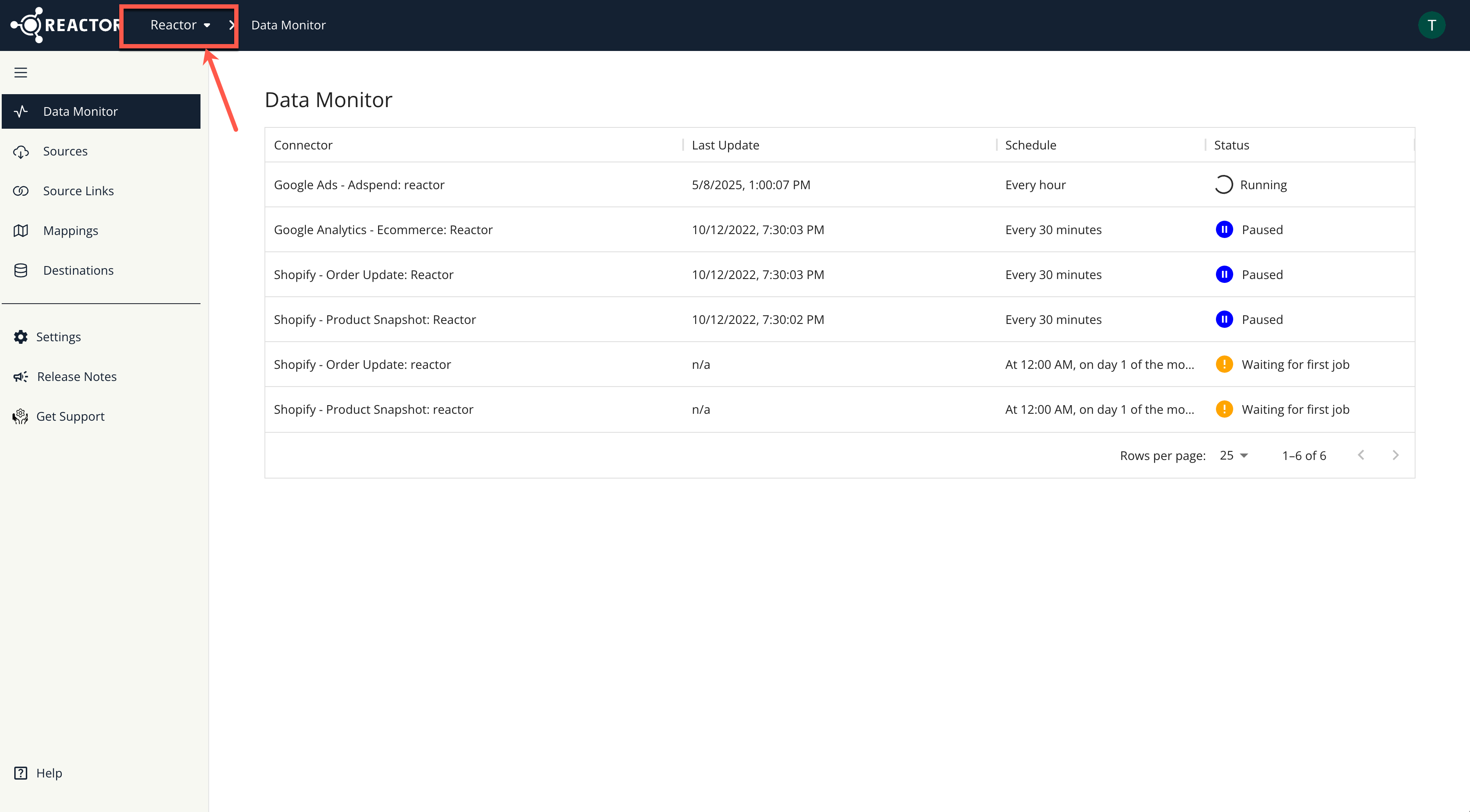
- Login and then make sure you land on your company instance - if your company has more than one instance based on different brands then select the right brand instance from the drop-down.
Reactor Platform Screens
Once inside Reactor, the platform's functionalities are organized into several key screens, accessible via the left sidebar:
- Data Monitor
- Sources
- Source Links
- Mappings
- Destinations
To view the links to each screen in the Reactor Platform:
- Hover over the left sidebar.
- Alternatively, select the arrow icon that appears when hovering next to the hamburger menu icon to pin the sidebar menu for persistent visibility.
Screen-Specific Functionalities
The following sections detail the purpose and key functions of each screen within the Reactor platform:
Data Monitor
The Data Monitor screen provides an overview of data source connections within Reactor. Key information displayed on this screen includes:
- The time of the last data refresh for each source connection.
- The schedule on which each connector performs updates.
- The current status of each connection.
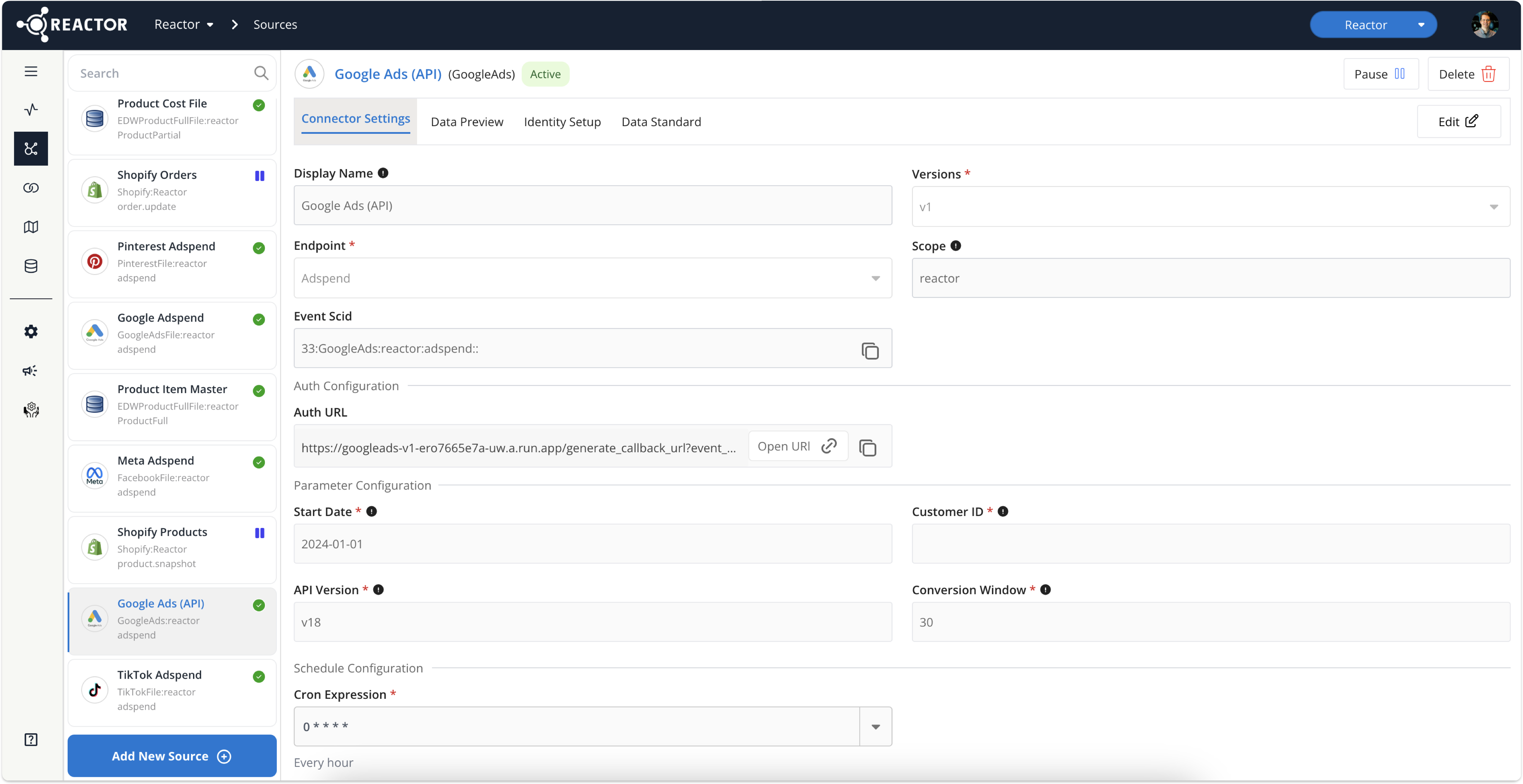
Sources
The Sources screen is the central hub for managing data source connections. Users can:
- View a list of currently connected sources.
- Configure existing sources.
- Establish connections to new sources.
The left sidebar displays the list of connected sources. A search box located at the top of the sidebar enables users to filter the listed sources.
Source Configuration
For detailed information on configuring data sources, please refer to the following documentation:
Connection Setup
Selecting a source tile in the left sidebar displays the Connection Setup page, allowing users to view the specific configuration of that source's connector.
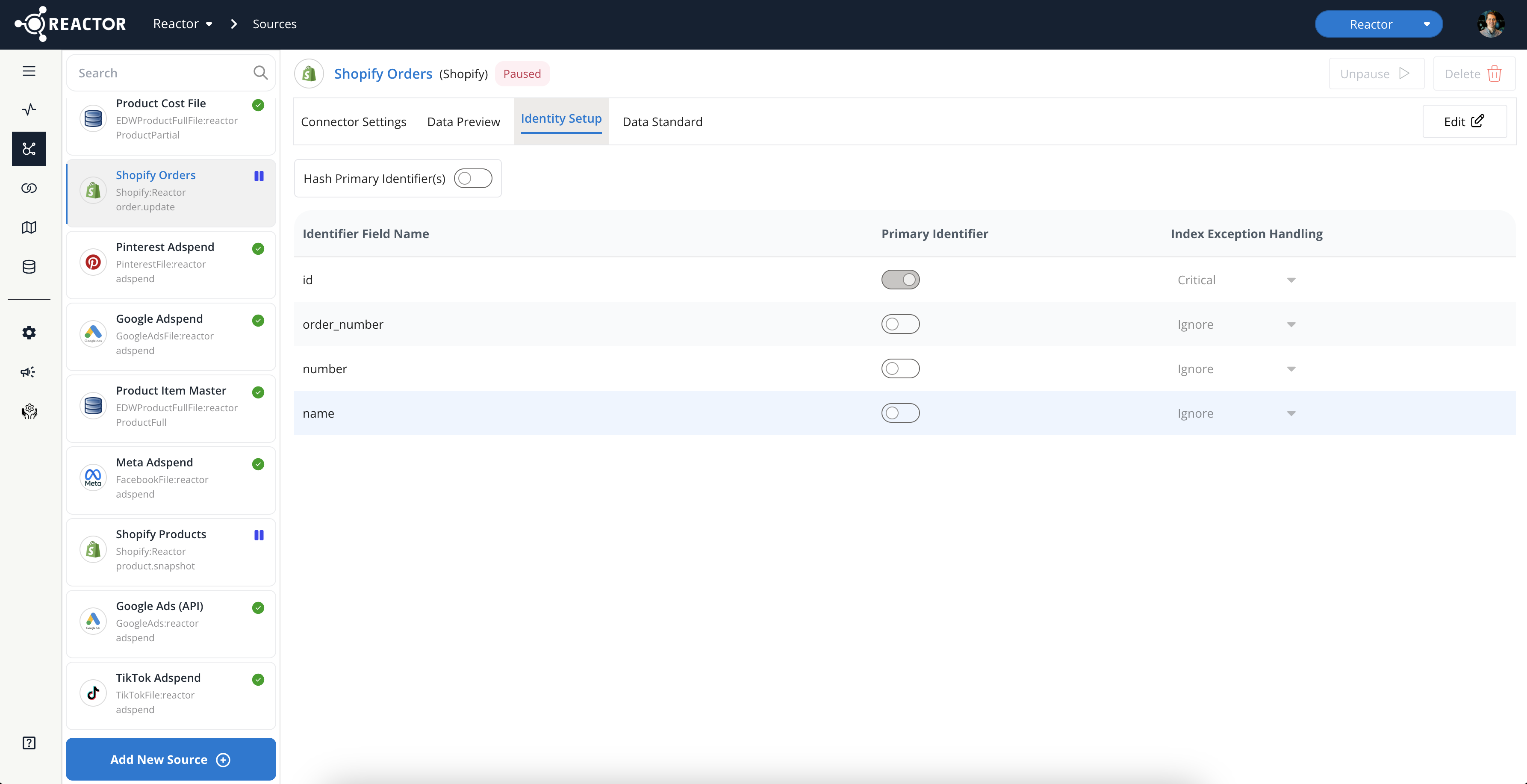
Identity Setup
The Identity Setup tab within the Source Connectors screen allows users to manage source identifiers. These identifiers are crucial for:
- Assigning a unique identifier to each record collected from the source.
- Linking the source to other sources using the Source Links tool (described below).
ℹ️ For comprehensive information on this feature, see the "How to Configure an Identity Setup" documentation.
Data Preview
The Data Preview tab, accessible from the Source Connectors screen, provides a sample view of the source's data presented in a tabular format. A search box at the top of the screen allows users to filter this view to specific fields.
Data Standard
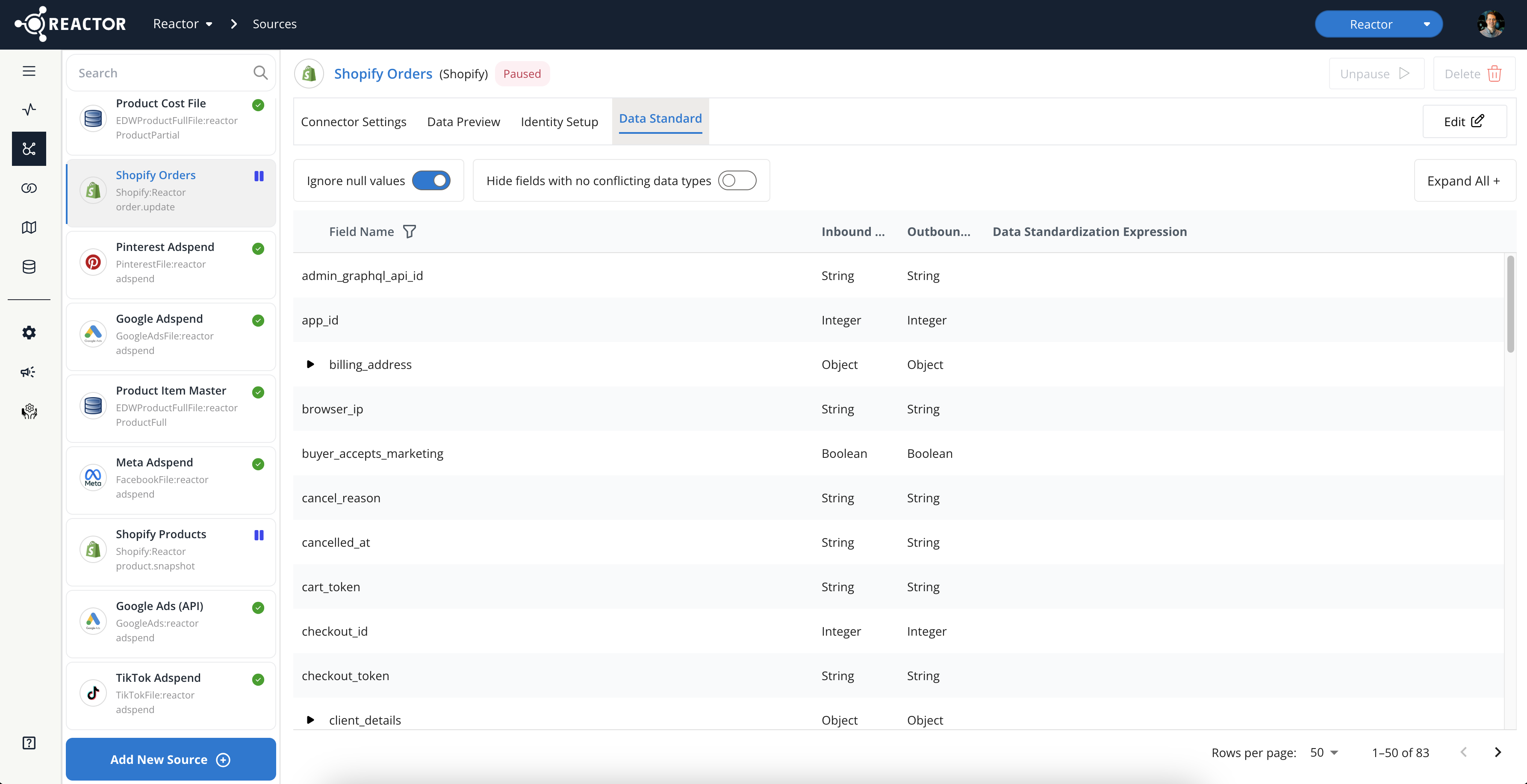
The Data Standard tab within the Source Connectors screen enables users to configure the source's Data Standard. This tab is where users can:
- Review the source data’s schema.
- Write rules against the schema to enforce consistent data types.
- Apply custom transformations to ensure data uniformity and cleanliness.
- Configure field-level PII handling settings.
ℹ️ For detailed information on the Data Standard feature, see the "Standardize Your Source Data" documentation.
Source Links
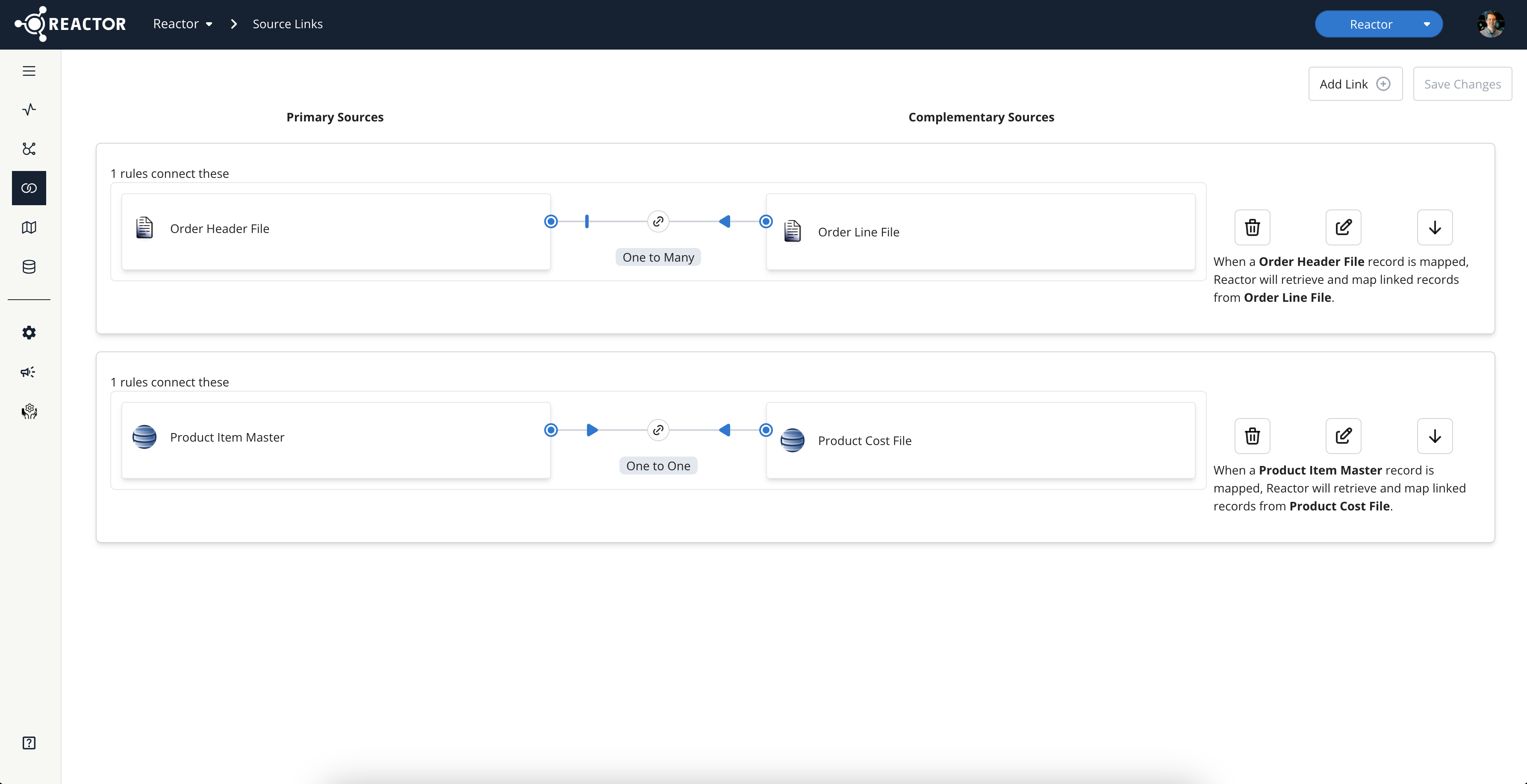
The Source Links screen allows users to link related sources that can be mapped to a single output. This functionality is conceptually similar to a "Join" operation in SQL.
ℹ️ For comprehensive information on Source Links, please refer to the "How To Link Sources in Reactor" documentation.
Mappings
The Mappings screen is where users define and manage data transformations. Users can:
- Set up data transformations (mappings).
- Configure data outputs.
- Initiate data re-transformations.
ℹ️ For detailed information on the Mappings screen, please refer to the "Navigating the Mappings Page in Reactor" documentation.